
Maintaining your DEWALT power tools is essential for ensuring longevity, safety, and peak performance. Whether you’re a professional tradesperson or a DIY enthusiast, understanding basic maintenance and troubleshooting techniques can save you time and money. This comprehensive guide covers essential steps for keeping your DEWALT tools in top condition, including cleaning, battery upkeep, and resolving common problems.
We’ll focus primarily on the DEWALT 20V MAX Cordless Drill and Impact Driver, a versatile and widely used power tool, but the principles can be applied to other DEWALT products as well. Follow these practical, step-by-step instructions to keep your tools running smoothly and safely.
Key Takeaways
| Regular Cleaning | Keep your tools free of dust and debris for optimal operation. |
| Battery Maintenance | Proper charging and storage extend battery life and performance. |
| Inspection & Lubrication | Check for wear and apply lubrication to moving parts. |
| Troubleshooting Common Issues | Identify and fix problems like power loss or overheating. |
| Proper Storage | Store tools in a dry, clean environment to prevent damage. |

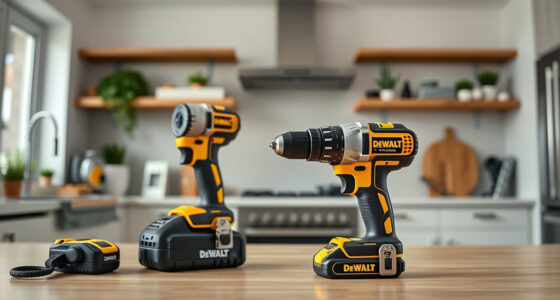
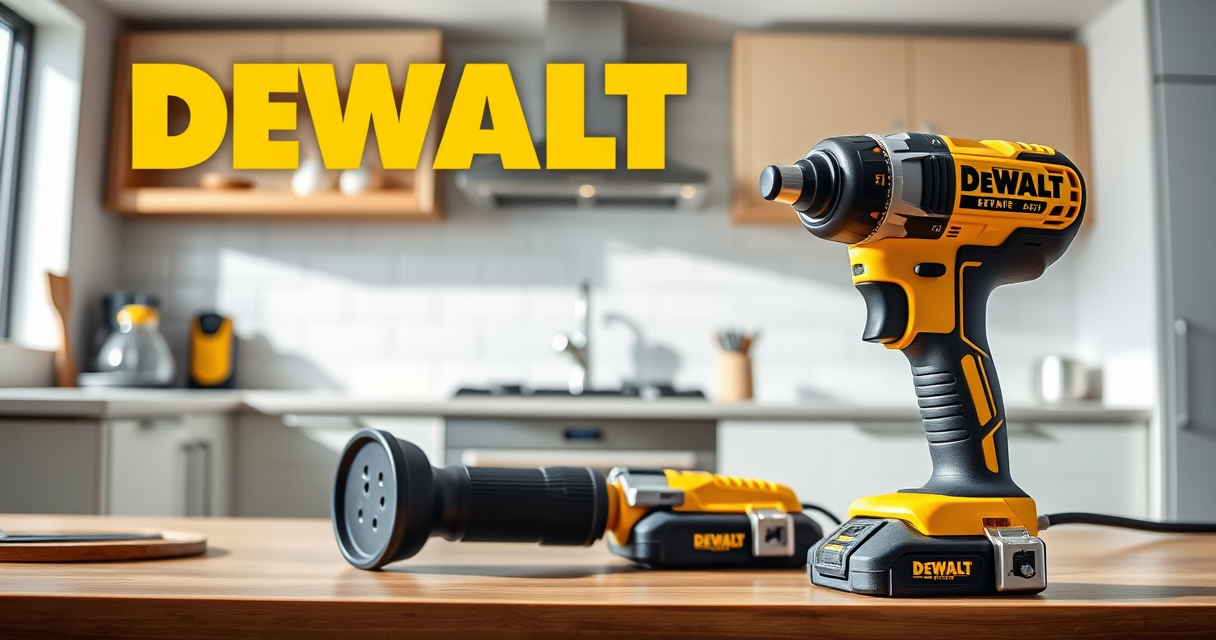
DEWALT 20V MAX Cordless Drill and Impact Driver, Power Drill Brushless 2-Tool Power Tool Combo Kit, Includes 2 Batteries, Charger and Bag (DCK277D2)
- Compact Design: 7.6-inch lightweight and slim
- Ergonomic Grip: Comfortable and balanced handling
- Bright LED Light: Enhanced visibility in dark spaces
As an affiliate, we earn on qualifying purchases.
Cleaning Your DEWALT Power Tools
- Unplug or remove batteries before cleaning to ensure safety.
- Use a soft brush or compressed air to remove dust and debris from vents, switches, and moving parts.
- Wipe the exterior with a damp cloth; avoid using harsh chemicals that could damage plastic or rubber components.
- Check and clean the quick release hex chuck and bit adapters to prevent debris buildup.
- Ensure all parts are dry before reassembling and powering on the tool.
Regular cleaning not only maintains performance but also helps in early detection of potential issues like clogged vents or worn-out parts.
Battery Care and Maintenance
- Always use the recommended DEWALT charger for your batteries, such as the DEWALT 20V MAX Charger.
- Avoid letting batteries completely discharge; recharge when the LED indicator shows low charge.
- Store batteries in a cool, dry place, ideally at about 50% charge if not used for extended periods.
- Periodically check the battery’s LED indicator for its charge status and health.
- Clean the battery contacts with a dry cloth if corrosion appears.
Proper battery maintenance ensures longer runtime, reduces risk of failure, and keeps your tools ready whenever you need them.
Inspecting and Lubricating Moving Parts
- Remove the battery before inspection.
- Check for signs of wear, corrosion, or damage on the motor brushes, gears, and chuck mechanism.
- Apply a light machine oil or DEWALT-approved lubricant to moving parts such as the chuck and trigger mechanisms.
- Ensure that the motor vents are free of obstructions.
- Reassemble and test the tool to verify smooth operation.
Lubrication reduces friction, prevents overheating, and extends the lifespan of your power tools.
Troubleshooting Common Problems
- Tool Won’t Power On: Check the battery charge level and connections. Replace or recharge batteries as needed.
- Overheating: Allow the tool to cool down; clean vents and check for excessive dust or debris.
- Reduced Power or Speed: Inspect the battery and motor brushes; clean or replace if necessary.
- Chuck Won’t Tighten or Loosen: Clean the chuck and verify it’s properly aligned. Lubricate if needed.
- Unusual Noises: Stop use immediately; inspect gears and bearings for damage.
Following these troubleshooting steps can help you quickly identify and resolve common issues, saving downtime and repair costs.
Safe Storage and Handling Practices
Store your DEWALT tools in a clean, dry, and organized space. Use the included carrying bag for portability, and keep batteries separate from the tools if not in use for long periods. Always disconnect batteries when not in use and avoid exposing tools to extreme temperatures or moisture. Regularly inspect your storage area for hazards, and ensure tools are out of reach of children.
The Products in This Guide

DEWALT 20V MAX Cordless Drill and Impact Driver
- ✔ Battery Type: Lithium-ion
- ✔ Max Speed: 2000 RPM
- ✔ Charging Time: Approx. 60 minutes

DEWALT Drill Bit Set
- ✔ Tip Type: Split Point
- ✔ Shank Type: Hex
- ✔ Color: Black & Gold
DEWALT 20V MAX Cordless Drill and Impact Driver
The DEWALT 20V MAX Cordless Drill and Impact Driver combo is a highly reliable, compact, and ergonomic set perfect for both professional and DIY tasks. Its brushless motors provide efficient power, and the included batteries ensure long runtime. Proper maintenance will keep this combo performing at its best for years.
Pros:
- Lightweight and compact design
- Brushless motors for efficiency
- Includes 2 batteries for extended use
- LED light for visibility
Cons:
- Battery not included with some models
- Chuck may loosen over time if not tightened properly
- Requires regular cleaning to prevent debris buildup
Best for: Home improvement projects, furniture assembly, and small construction tasks.
Not ideal for: Heavy-duty industrial use or prolonged continuous operation.
Bottom line: A versatile, durable, and easy-to-maintain cordless drill set suitable for various projects.
DEWALT Drill Bit Set
This 14-piece DEWALT drill bit set features high-speed steel bits with a 135-degree split point, ideal for plastic, wood, and metal. Its durable coating and secure shank make it a reliable companion for your drilling needs, complementing your power tools perfectly.
Pros:
- Durable high-speed steel construction
- Includes multiple sizes
- Split point reduces walking
- Corrosion-resistant coating
Cons:
- Set may lack larger sizes for heavy-duty tasks
- Requires proper storage to prevent damage
- Not suitable for very hard materials like masonry
Best for: General purpose drilling, home repairs, and craft projects.
Not ideal for: Heavy-duty industrial drilling or masonry work.
Bottom line: A versatile drill bit set that enhances the performance of your DEWALT drill for various materials.
Frequently Asked Questions
How often should I clean my DEWALT power tools?
It’s best to clean your tools after each use to prevent dust and debris buildup, which can affect their performance and lifespan.
Can I use any charger for my DEWALT batteries?
Only use the DEWALT-approved chargers, such as the DEWALT 20V MAX Charger, to ensure safety and proper charging of your batteries.
What should I do if my drill overheats?
Allow the drill to cool down, clean any vents or dust from the motor area, and avoid prolonged use without breaks.
How can I extend the battery life?
Store batteries in a cool, dry place, avoid complete discharges, and use the correct charger for optimal charging cycles.
Why is my chuck loose?
Ensure the bit is properly inserted and tightened. Clean the chuck and apply a small amount of lubricant if it becomes difficult to tighten.
Keep Your DEWALT Tools in Top Condition for Long-Lasting Performance
Regular maintenance, proper cleaning, and attentive troubleshooting are key to extending the life of your DEWALT power tools. By following the steps outlined in this guide, you can ensure your tools remain safe, efficient, and ready for any project. Investing a little time in upkeep now will pay off with reliable performance and fewer surprises in the future.
Affiliate disclosure: As an Amazon Associate we earn from qualifying purchases. Prices and availability are accurate as of the time of publishing.