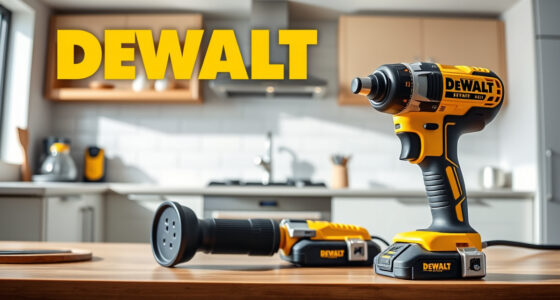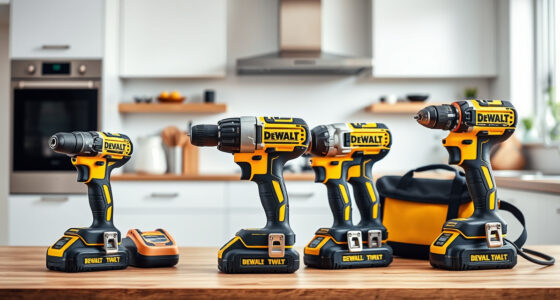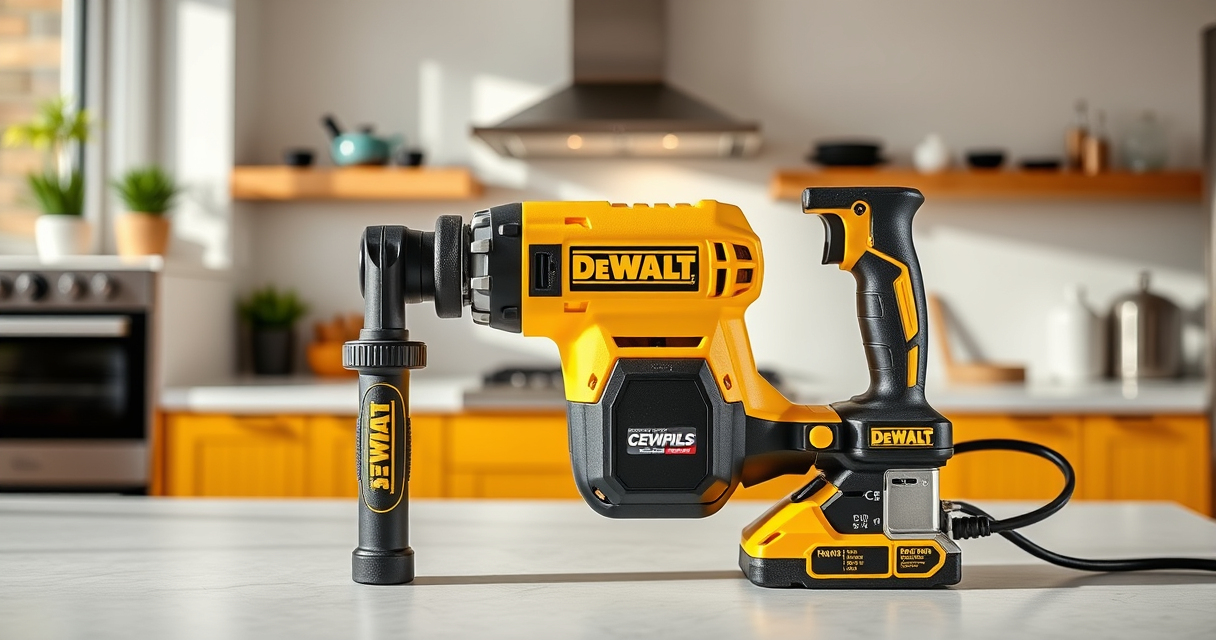

Getting your DEWALT power tools ready for work involves more than just unpacking. Proper setup ensures safety, maximizes performance, and extends the lifespan of your tools. This guide provides clear, practical steps to set up your DEWALT cordless drill and accessories, so you can start your project with confidence.
Follow these steps carefully, and remember safety first—wear protective gear and handle tools responsibly.
Key Takeaways
| Power Source | Use the included 20V MAX battery and charger for optimal performance. |
| Safety First | Always wear safety goggles and gloves during setup and use. |
| Proper Assembly | Ensure the drill bit is securely fitted into the chuck. |
| Battery Care | Fully charge batteries before first use and avoid over-discharge. |
| Accessory Compatibility | Use DEWALT-approved drill bits and accessories for best results. |

DEWALT 20V MAX Cordless Drill Driver Set, Electric Drill, Brushless 1/2 In 2 Speed, 2.0 Ah Battery and Charger Included, LED Light (DCD777D1)
- Motor Type: Brushless motor for longer run time
- Size: Compact 7.6-inch design
- Design: Lightweight for easy handling
As an affiliate, we earn on qualifying purchases.
Unboxing and Initial Inspection
- Carefully unpack your DEWALT 20V MAX Cordless Drill Set and check for all included items: drill, battery, charger, and accessories.
- Inspect the tools and accessories for any visible damage during transit.
- Read the user manual to familiarize yourself with the features and safety instructions.
Charging the Battery
- Connect the included charger to a power outlet.
- Insert the DEWALT 20V MAX battery into the charger, ensuring proper alignment.
- Allow the battery to fully charge before first use; indicator lights will show charging status.
- Once charged, remove the battery and proceed to assembly.
Assembling Your Cordless Drill
- Insert the battery into the base of the drill until it clicks into place.
- Choose the appropriate drill bit for your task and insert it into the single-sleeve ratcheting chuck.
- Secure the bit tightly by twisting the chuck clockwise, ensuring it is firmly locked.
Testing and Safety Checks
- Hold the drill securely, and press the trigger to test the operation.
- Check the LED light for visibility and ensure the drill runs smoothly at both speeds.
- Verify the battery’s charge using the LED fuel gages periodically during use.
Troubleshooting Common Issues
- If the drill doesn’t start, ensure the battery is fully charged and properly inserted.
- For reduced run-time, replace the battery if it shows signs of wear or low charge.
- If the drill bit slips in the chuck, tighten it securely or replace the chuck if damaged.
The Products in This Guide

DEWALT 20V MAX Cordless Drill Driver Set
- ✔ Weight: 3.4 lbs
- ✔ Length: 7.6 inches
- ✔ Warranty: 3 years

DEWALT Drill Bit Set
- ✔ Tip Angle: 135 degrees
- ✔ Size Range: 1/16 inch to 1/2 inch
- ✔ Warranty: N/A
DEWALT 20V MAX Cordless Drill Driver Set
The DEWALT 20V MAX Cordless Drill Driver Set offers a brushless motor for longer run time, a compact design for tight spaces, and an ergonomic grip. Ideal for general drilling and fastening tasks, it’s a reliable choice for both beginners and experienced users.
Pros:
- Brushless motor for efficiency
- Lightweight and compact design
- LED work light for dim spaces
- Includes battery and charger
Cons:
- Battery life may vary with heavy use
- Limited to 1/2 inch chuck size
- Requires proper maintenance of battery
Best for: Home improvement, woodworking, furniture assembly
Not ideal for: Heavy-duty industrial applications or prolonged use without additional batteries
Bottom line: A versatile and reliable drill set perfect for a variety of household and professional tasks.
DEWALT Drill Bit Set
Enhance your DEWALT drill with this 14-piece drill bit set featuring 135-degree split points and durable High Speed Steel construction. Perfect for plastic, wood, and metal projects.
Pros:
- Durable high-speed steel
- Includes variety of sizes
- Split point prevents walking
- Corrosion-resistant coating
Cons:
- Limited to specific materials
- No carrying case included
- Requires proper bit maintenance
Best for: Drilling into metal, wood, and plastic
Not ideal for: Heavy industrial drilling or concrete work
Bottom line: A reliable set of drill bits that improve precision and durability.
Frequently Asked Questions
How do I change the drill bit on my DEWALT drill?
Hold the chuck collar and rotate it counterclockwise to open. Insert the new bit fully into the chuck and tighten by rotating the collar clockwise until secure.
How long does the battery last on a full charge?
The 20V MAX 2.0 Ah battery typically offers enough runtime for several tasks; however, actual duration depends on the workload. Use the LED fuel gages to monitor charge levels.
Can I use other batteries with my DEWALT drill?
Only batteries designed for the 20V MAX system are compatible. Using other batteries may damage your tool and void the warranty.
What should I do if my drill overheats?
Turn off the drill and allow it to cool down before continuing use. Ensure the vents are clear, and do not operate in excessively hot environments.
Start Your Projects with Confidence
Setting up your DEWALT power tools correctly ensures safety, efficiency, and durability. Follow these steps to prepare your drill and accessories, and always prioritize safety. With proper setup, you’ll be ready to tackle any project with confidence and precision.
Affiliate disclosure: As an Amazon Associate we earn from qualifying purchases. Prices and availability are accurate as of the time of publishing.