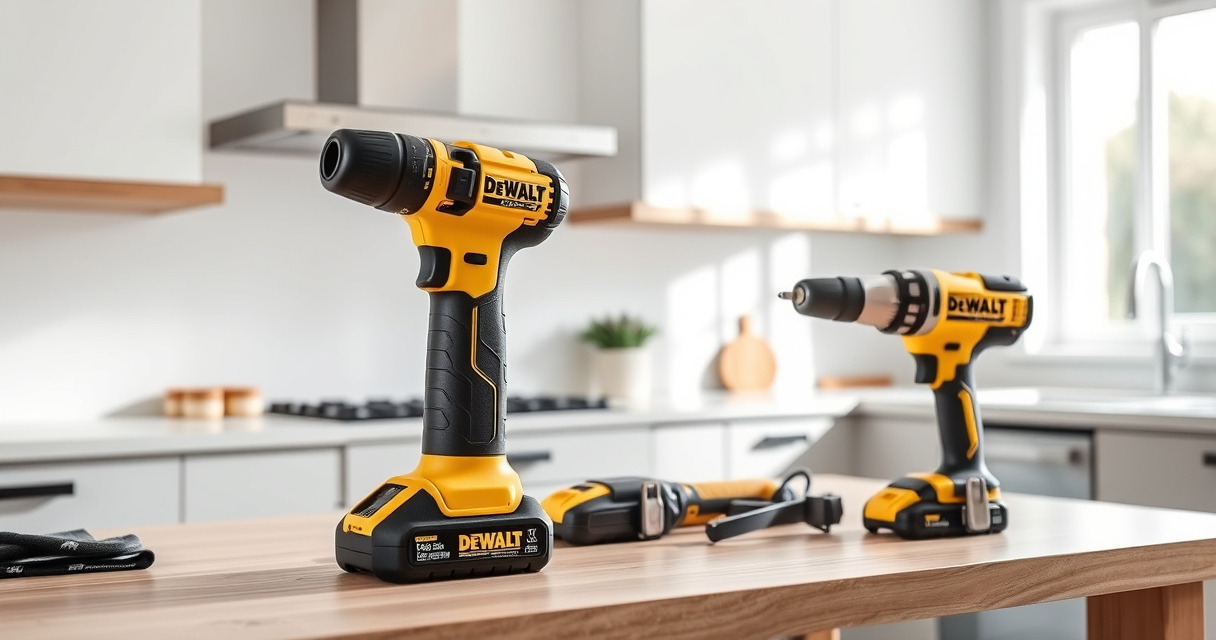

Getting your DEWALT power tools ready for use is essential for safe and efficient operation. Whether you’re a DIY enthusiast or a professional, proper setup ensures your tools perform at their best and reduces the risk of accidents. This guide provides clear, practical steps to set up your DEWALT power tools, focusing on safety, accuracy, and maintenance.

Get garden gear delivered free with Prime
- Fast, free delivery on millions of items
- Prime Video, Amazon Music and more included
- Member-only deals all year
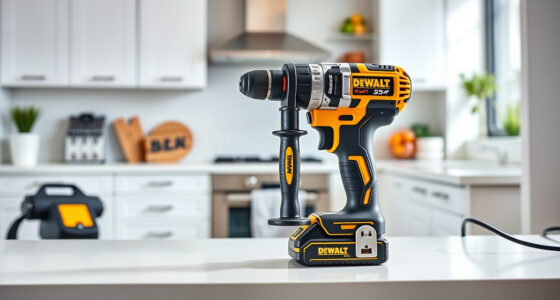
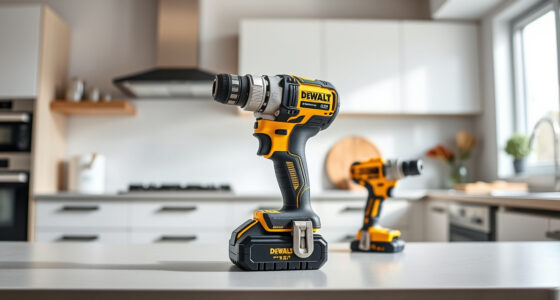
We’ll focus on the popular DEWALT 20V MAX Cordless Drill Driver Set, but the principles apply to most DEWALT power tools. Follow these instructions carefully to maximize your tool’s lifespan and your safety.
Key Takeaways
| Safety First | Always wear safety gear and read the manual before starting. |
| Proper Assembly | Ensure all parts are correctly installed and secured. |
| Battery Handling | Use compatible batteries and avoid short circuits. |
| Test Before Use | Run the tool in a safe area to confirm proper operation. |
| Maintenance Tips | Keep tools clean and store in a dry, secure place. |
Preparing Your Workspace and Safety Equipment
- Choose a clean, well-lit workspace free of clutter. Ensure your area is dry and stable, reducing the risk of slips or accidents.
- Wear appropriate safety gear: safety glasses to protect your eyes, hearing protection if using for extended periods, and gloves if necessary to improve grip.
- Keep bystanders at a safe distance, especially when testing or operating the drill.
Unboxing and Inspecting Your DEWALT Drill Set
Carefully open the packaging of your DEWALT 20V MAX Cordless Drill Driver Set. Check that all components are present: the drill, battery, charger, and any included accessories. Inspect each part for damage during shipping, such as cracks or loose parts.
Ensure the drill’s brushless motor is free of debris and that the chuck rotates smoothly. Confirm the battery is fully charged or has sufficient charge before initial use. Refer to the product manual for detailed inspection procedures.
Installing and Charging the Battery
- Align the battery with the compartment on the bottom of the drill, ensuring the contacts line up properly.
- Push the battery into the slot until it clicks into place, indicating a secure connection.
- Connect the included charger to a power outlet and insert the battery. Allow it to charge fully before first use, which typically takes around 60 minutes.
- Monitor the LED indicator on the battery to ensure proper charging. Avoid overcharging by unplugging once fully charged.
Assembling and Testing Your Drill
Before use, attach any drill bits or screwdriver bits needed. Use the single-sleeve ratcheting chuck to tighten the bit securely. Insert the bit straight into the chuck and tighten by hand or with the chuck key if applicable.
To test, hold the drill in a safe area, press the trigger, and observe its operation. Check for smooth rotation and responsive speed changes between the 2-speed settings. Confirm the LED light activates properly and provides sufficient illumination.
Using and Maintaining Your DEWALT Power Tool
Use your DEWALT drill for its intended applications: drilling into wood, metal, or plastic, and fastening tasks. Always keep the tool clean by wiping away dust and debris after use. Store in a dry, secure location, away from children or untrained users.
Periodically check the battery contacts and the chuck for wear. Replace worn bits promptly to prevent damage to the tool. Use only DEWALT-approved batteries and accessories to ensure safety and compatibility.
When not in use, remove the battery to prevent accidental activation or drainage. Regularly update your skills and review safety tips from DEWALT to maintain safe operation.
The Products in This Guide

DEWALT 20V MAX Cordless Drill Driver Set
- ✔ Length: 7.6 inches
- ✔ Weight: Lightweight
- ✔ Warranty: 3 years

DEWALT Drill Bit Set
- ✔ Tip: Split point
- ✔ Construction: High-speed steel
- ✔ Coating: Rust-resistant
DEWALT 20V MAX Cordless Drill Driver Set
The DEWALT 20V MAX Cordless Drill Driver Set is an excellent choice for both DIYers and professionals. Its brushless motor delivers more run time, and its lightweight, ergonomic design makes it easy to handle in tight spaces. The included 2.0 Ah battery and LED light enhance usability and visibility during work.
Pros:
- Brushless motor delivers longer run time
- Compact and lightweight for easy handling
- Two-speed transmission for versatility
- LED work light for dim conditions
Cons:
- Battery life may vary with use
- No additional accessories included
- Limited to 1/2 inch chuck size
Best for: General-purpose drilling and fastening in tight spaces
Not ideal for: Heavy-duty industrial applications requiring more power
Bottom line: A reliable, versatile drill perfect for most home and light professional tasks.
DEWALT Drill Bit Set
Complement your DEWALT drill with this 14-piece drill bit set featuring 135-degree split point tips. Its high-speed steel construction ensures durability across various materials, making it ideal for detailed work and tough projects.
Pros:
- Wide range of sizes included
- Split point design prevents walking
- Durable high-speed steel
- Rust-resistant coating
Cons:
- Only compatible with certain drill sizes
- No carrying case included
- Primarily for drilling, not driving screws
Best for: Precise drilling into plastic, wood, and metal
Not ideal for: Heavy-duty industrial drilling
Bottom line: A versatile drill bit set that enhances precision and durability.
Frequently Asked Questions
How do I safely change bits on my DEWALT drill?
First, turn off the drill and remove the battery for safety. Hold the chuck collar and rotate it counterclockwise to loosen the current bit. Insert the new bit straight into the chuck, then tighten securely by hand or with a chuck key if applicable.
What should I do if my drill doesn’t turn on?
Check that the battery is properly installed and charged. Ensure the trigger is pressed fully. If it still doesn’t work, inspect the battery contacts for dirt or corrosion and clean if necessary. Replace the battery if it no longer holds a charge.
How can I extend the lifespan of my DEWALT drill?
Regularly clean the tool, store it in a dry place, and avoid overworking it beyond its capacity. Use the correct bits and avoid forcing the tool. Periodically check for loose parts and replace worn components promptly.
Can I use third-party batteries with my DEWALT drill?
It’s recommended to use only DEWALT-approved batteries to ensure safety and compatibility. Using incompatible batteries may damage the tool or void the warranty.
How do I troubleshoot if the LED light isn’t working?
Ensure the trigger is pressed fully; the LED should turn on when the trigger is engaged. Check for any debris blocking the light or loose wiring inside the drill. If it still doesn’t work, contact DEWALT customer service.
Maximize Your DEWALT Power Tools Setup
Proper setup and maintenance are key to getting the most out of your DEWALT power tools. By following these step-by-step instructions, you ensure safe operation and prolong the lifespan of your equipment. Remember to always prioritize safety, use compatible accessories, and keep your tools clean and well-maintained for optimal performance. With the right care, your DEWALT tools will remain reliable companions through many projects to come.
Affiliate disclosure: As an Amazon Associate we earn from qualifying purchases. Prices and availability are accurate as of the time of publishing.
Columbus Day / Indigenous Peoples' Day Picks
long weekend sales
As an affiliate, we earn on qualifying purchases.